Marketing project and application workspace
All images are for reference only. Screens use synthetic Estora development data and do not describe real service availability.
On this page
SignalHub uses two independent projects. This status checkout contains the application. The sibling signalhub checkout contains only the public marketing website, HTML documentation, assets, and static-site tooling.
Public marketing project
The marketing project is located at /Users/laxmi/ramesh/code/signalhub in this workspace. Its existing Git metadata, history, branch, and remotes are preserved. It does not run the application, worker, database, or authentication services.
cd ../signalhub
node tools/serve.mjs        # http://localhost:3300
node --test tests/*.test.mjs
node tools/check.mjs
node tools/build.mjs        # deployable output in dist/
The site uses plain HTML, CSS, browser JavaScript, local screenshots, and a self-hosted Schibsted Grotesk font. Product/install tabs support keyboard navigation. The illustrative incident replay can be paused and respects reduced motion. The main content stays available without JavaScript.
Publish dist/ to a static host. No application environment variables, credentials, database, or server-side runtime are required. Canonical/sharing metadata uses https://signalhub.at; change the configured domain when deploying a fork. This task prepares local files and does not publish or alter Git remotes.
Synchronize the documentation
The application keeps authoritative Markdown in docs/, the root README and contributor/security guides, the user manual in public/docs/, and product screenshots in docs/screenshots/. The marketing project owns the exported HTML and all assets required to serve it.
cd ../signalhub
npm install --no-save --package-lock=false marked@18.1.1
SIGNALHUB_SOURCE_DIR=../status node tools/build-docs.mjs
node tools/check.mjs
node tools/build.mjs
Set SIGNALHUB_SOURCE_DIR to another application checkout when these projects are not siblings. Serving and packaging the checked-in website do not require access to the application checkout. Documentation synchronization is an authoring step only.
For new screenshots, use clean Estora reference data. Application-only authoring utilities live in scripts/docs/; set MARKETING_SITE_ROOT if the website is not in ../signalhub. The screenshot index and the public website include All images are for reference only. See reference-data notes.
Installed application homepage
The application's / route is a workspace welcome screen with installation branding and a Sign in to workspace action. It contains no marketing page, public service directory, incident list, or operational counts.
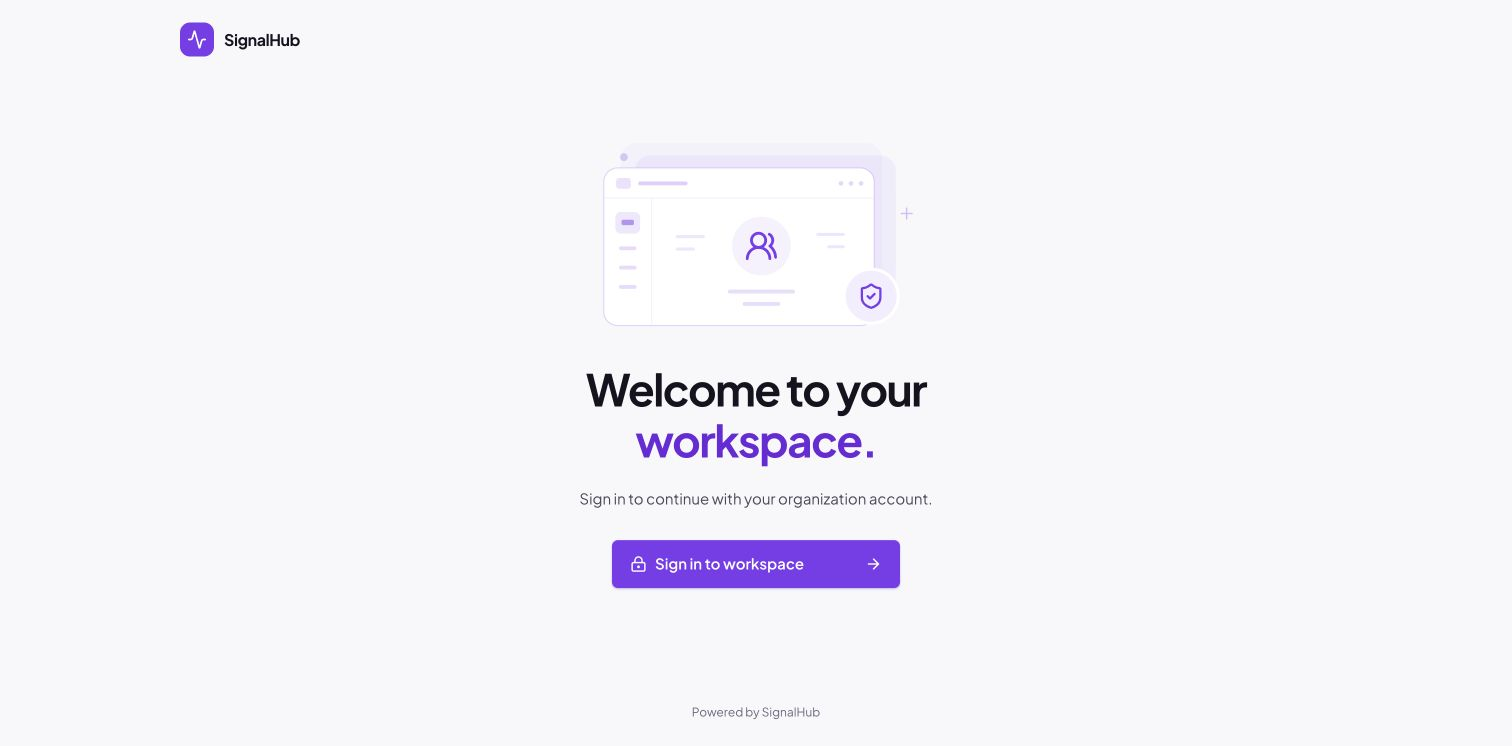
Signed-in visitors go to /organization. A new installation still opens the setup wizard first. Individual public status pages keep their own URLs and access policies.
Installation branding
SIGNALHUB_INSTANCE_NAME=Estora Operations
SIGNALHUB_INSTANCE_LOGO_URL=https://example.com/logo.svg
Blank values use the SignalHub name and mark. The logo accepts HTTP(S) URLs and uploaded /api/assets/<uuid> URLs. Set these in the application environment or Compose .env, then restart it. They do not change the separate marketing website. See configuration.
Ownership map
| Application project | Marketing project |
|---|---|
| Next.js application and worker | index.html, styles.css, script.js |
| Database, credentials, runtime configuration | Static public content only |
| Source Markdown and product manual | Exported HTML guides with application source links |
| Product PNG/WebP screenshots and reference-data tools | Website-owned screenshot assets, fonts, and sharing artwork |
npm run dev:all on port 3301 |
node tools/serve.mjs on port 3300 |