Google Cloud: Cloud Run with Cloud SQL (or GKE)
All images are for reference only. Screens use synthetic Estora development data and do not describe real service availability.
Cloud SQL
- Create a Cloud SQL for PostgreSQL instance (16+) and a database and user
signalhub. - Grant the Cloud Run service account the Cloud SQL Client role.
Through the built-in Cloud SQL connector, the database is a Unix socket and needs no TLS settings:
DATABASE_URL=postgresql://signalhub:<password>@/signalhub?host=/cloudsql/<PROJECT>:<REGION>:<INSTANCE>
Cloud Run
The worker must keep running between requests, so CPU must stay allocated and one instance must always exist.
gcloud secrets create signalhub-database-url --data-file=- <<< 'postgresql://…'
gcloud secrets create signalhub-session-secret --data-file=- <<< "$(openssl rand -base64 48)"
gcloud secrets create signalhub-encryption-key --data-file=- <<< "$(openssl rand -base64 48)"
gcloud secrets create signalhub-admin-password --data-file=- <<< 'a-long-unique-password'

gcloud run deploy signalhub \
  --image ghcr.io/rameshbgm/signalhub:<version> \
  --port 3000 --memory 1Gi --cpu 1 \
  --no-cpu-throttling --min-instances 1 \
  --add-cloudsql-instances <PROJECT>:<REGION>:<INSTANCE> \
  --set-env-vars NEXT_PUBLIC_APP_URL=https://status.example.com \
  --set-secrets DATABASE_URL=signalhub-database-url:latest,SESSION_SECRET=signalhub-session-secret:latest,ENCRYPTION_KEY=signalhub-encryption-key:latest,STATUS_BOOTSTRAP_PASSWORD=signalhub-admin-password:latest \
  --allow-unauthenticated
Cloud Run deploys images from Artifact Registry or Docker Hub only. Create an Artifact Registry remote repository that proxies https://ghcr.io (or push the image into Artifact Registry) and use that image path in --image. Map your domain with Cloud Run domain mappings or a load balancer.
After deploy, open the service URL and sign in at /login as admin with the bootstrap password.
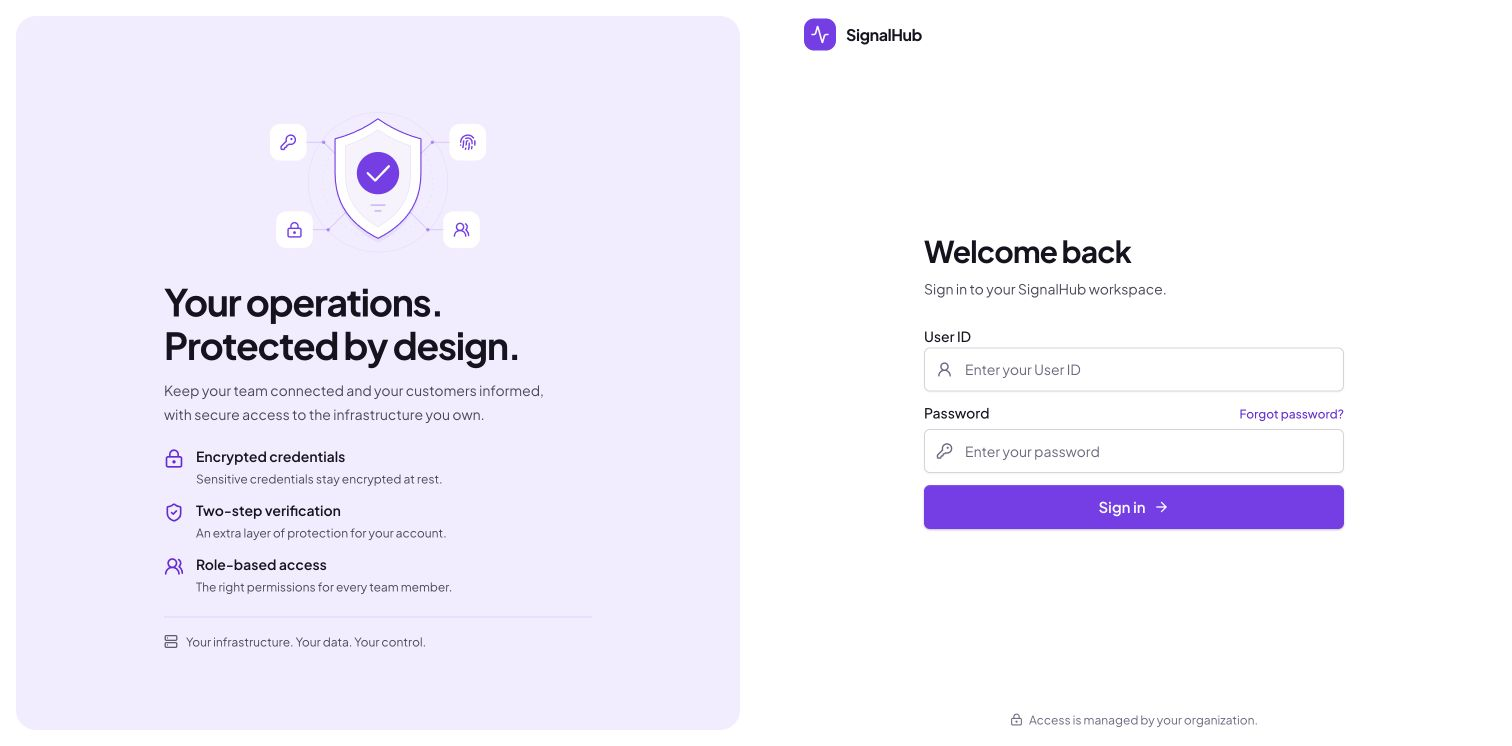
After sign-in, open Platform administration → Configuration → Runtime to check database, migration, and worker health.
GKE
Use the Kubernetes manifests. For Cloud SQL, run the Cloud SQL Auth Proxy as a sidecar or use private IP with DATABASE_SSL_CA set to the instance's server CA.