Render, Railway, Fly.io and DigitalOcean App Platform
All images are for reference only. Screens use synthetic Estora development data and do not describe real service availability.
SignalHub runs as one always-on service (the image's default command runs migrations, the web server and the worker) plus a managed PostgreSQL. Use the environment variables from the deployment overview; the platform's load balancer terminates TLS and connects from a private address, which the default Auto proxy setting handles with nothing to set (see client IP and reverse proxies).
Free tiers that sleep when idle stop the worker, so notifications and monitors pause. Use a paid, always-on instance.
Render (one click)
The repository includes a render.yaml Blueprint: a Docker web service plus a managed PostgreSQL, with SESSION_SECRET and ENCRYPTION_KEY generated for you.
- Fork the repository, then in Render choose New → Blueprint and select your fork.
- Enter
NEXT_PUBLIC_APP_URL(youronrender.comURL or custom domain) and the first administrator'sSTATUS_BOOTSTRAP_PASSWORDand email. - Deploy, then sign in at
/loginasadminand change the password.
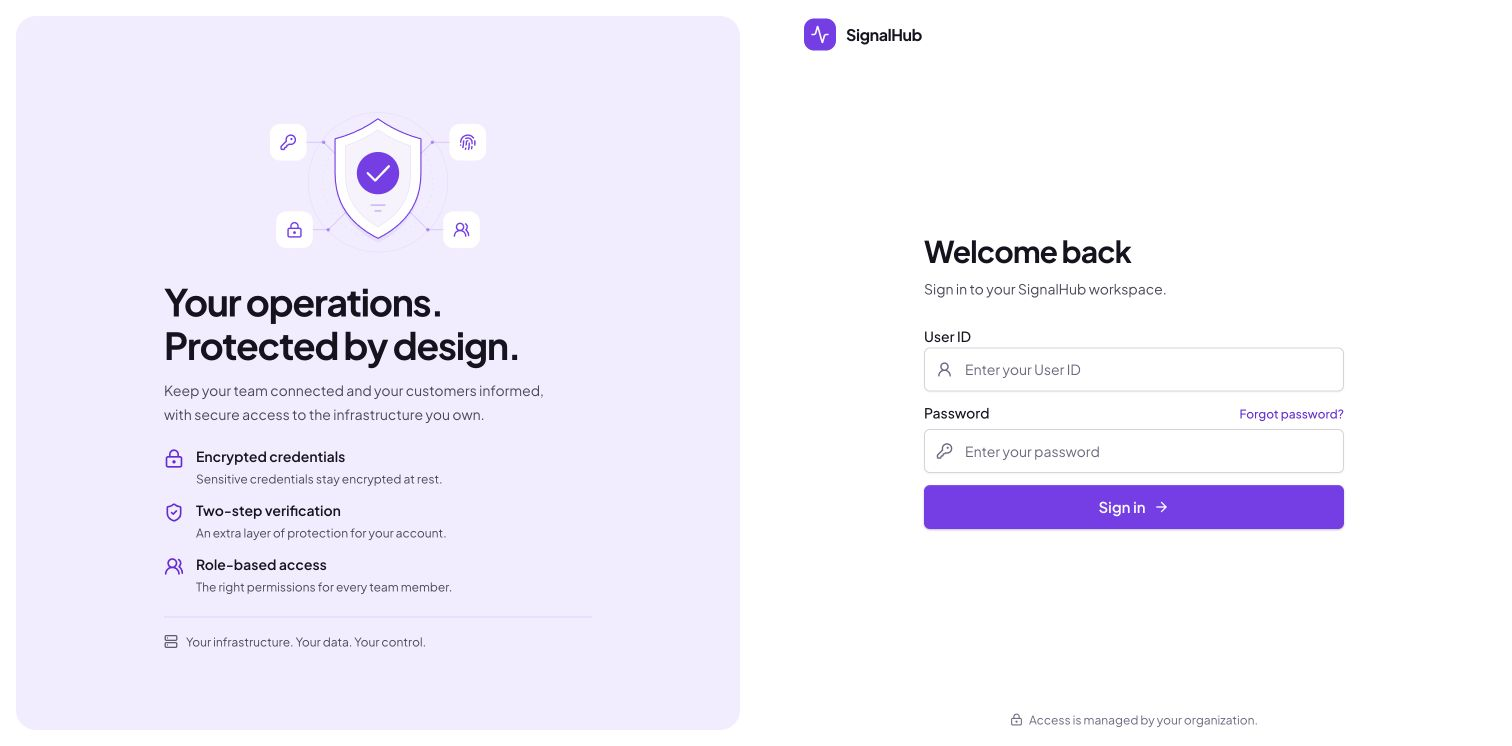
After sign-in, open Platform administration → Configuration → Runtime to check database, migration, and worker health.
The Blueprint uses a paid web plan (1c-2g: 1 CPU, 2 GB, always on) and a 0.5c-1g database. Plan IDs change over time; the current list is in Render's Blueprint spec. Do not switch the web service to free: free instances spin down, which stops the worker.
Railway
- New project → Deploy from GitHub repo (Railway builds the Dockerfile).
- + New → Database → PostgreSQL in the same project.
- On the SignalHub service set variables:
DATABASE_URL=${{Postgres.DATABASE_URL}},SESSION_SECRET,ENCRYPTION_KEY,NEXT_PUBLIC_APP_URL,STATUS_BOOTSTRAP_PASSWORD. - Settings → Networking → Generate domain (target port 3000).
Prefer the browser wizard? Skip the variables, attach a volume at /app/data, deploy, then open your app's /setup page and enter the database and first administrator details.
Fly.io
The repository includes a fly.toml with one always-on machine and a volume for /app/data.
fly launch --copy-config --no-deploy          # pick an app name and region
fly volumes create signalhub_data --size 1
# PostgreSQL: create a Managed Postgres cluster (`fly mpg create`, see https://fly.io/docs/mpg/)
# or use any external PostgreSQL, then set its DIRECT connection string as DATABASE_URL below.
fly secrets set DATABASE_URL='postgresql://user:password@host:5432/signalhub?sslmode=verify-full' \
  SESSION_SECRET=$(openssl rand -base64 48) ENCRYPTION_KEY=$(openssl rand -base64 48) \
  NEXT_PUBLIC_APP_URL=https://<app>.fly.dev STATUS_BOOTSTRAP_PASSWORD='a-long-unique-password'
fly deploy
Fly's own documentation now titles the older fly postgres setup "This Is Not Managed Postgres" and recommends Managed Postgres, so this guide does not use it. Note that fly mpg attach hands back a pooled (PgBouncer) address; SignalHub needs the cluster's direct address instead, so copy that from the cluster's connection details and set it yourself. If you already run the older kind, set its connection string as DATABASE_URL the same way. Without a DATABASE_URL secret the app starts in setup mode instead; open https://<app>.fly.dev/setup to configure the database and administrator.
DigitalOcean App Platform
- Create App → GitHub and pick the repository; App Platform detects the Dockerfile. HTTP port 3000.
- Add a Dev or Managed Database (PostgreSQL) component.
- Environment variables:
DATABASE_URL=${db.DATABASE_URL},SESSION_SECRET,ENCRYPTION_KEY(mark both encrypted),NEXT_PUBLIC_APP_URL=${APP_URL},STATUS_BOOTSTRAP_PASSWORD. - DigitalOcean managed databases use their own CA: download it from the database page and paste it into
DATABASE_SSL_CA. - Health check path:
/api/health/live.