Azure: Container Apps with Azure Database for PostgreSQL
All images are for reference only. Screens use synthetic Estora development data and do not describe real service availability.
On this page
Database
- Create Azure Database for PostgreSQL – Flexible Server (16+) with a database
signalhub, and allow access from the Container Apps environment (VNet integration or a firewall rule). - Flexible Server requires TLS. Its certificates chain to DigiCert/Microsoft roots that Node already trusts, so
?sslmode=verify-fullworks; if your tenant uses a different CA, paste it intoDATABASE_SSL_CA.
DATABASE_URL=postgresql://signalhub:<password>@<server>.postgres.database.azure.com:5432/signalhub?sslmode=verify-full
Container App
az containerapp create -g <rg> -n signalhub --environment <env> \
  --image ghcr.io/rameshbgm/signalhub:<version> \
  --target-port 3000 --ingress external \
  --min-replicas 1 --cpu 1 --memory 2Gi \
  --secrets database-url='postgresql://…' session-secret="$(openssl rand -base64 48)" \
            encryption-key="$(openssl rand -base64 48)" admin-password='a-long-unique-password' \
  --env-vars DATABASE_URL=secretref:database-url SESSION_SECRET=secretref:session-secret \
             ENCRYPTION_KEY=secretref:encryption-key STATUS_BOOTSTRAP_PASSWORD=secretref:admin-password \
             NEXT_PUBLIC_APP_URL=https://status.example.com
--min-replicas 1 keeps the worker running. Add a health probe on /api/health/live, and bind your domain with a managed certificate. Store a copy of the encryption key in Key Vault.
After deploy, open the app URL and sign in at /login as admin with the bootstrap password.
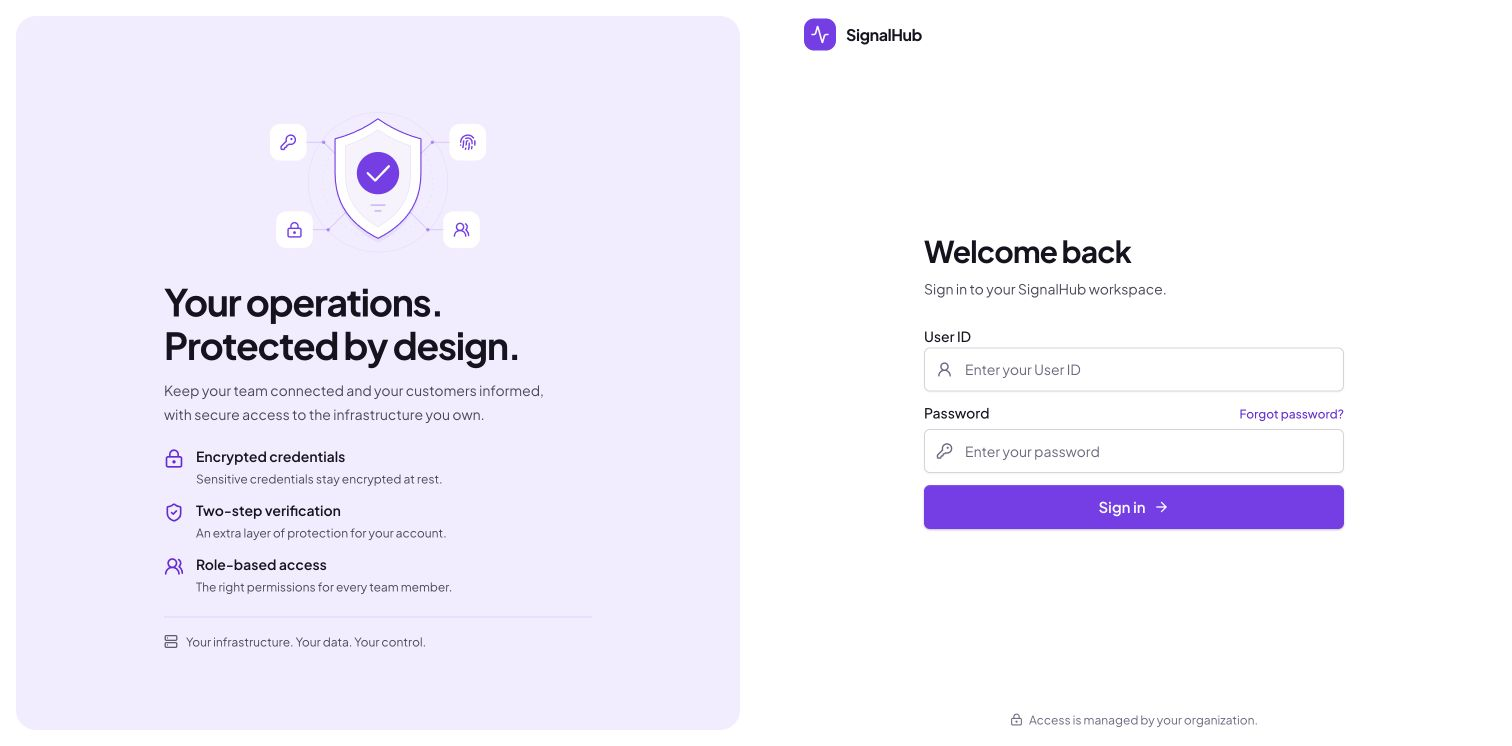
After sign-in, open Platform administration → Configuration → Runtime to check database, migration, and worker health.
AKS
Use the Kubernetes manifests.