AWS: ECS Fargate with RDS for PostgreSQL
All images are for reference only. Screens use synthetic Estora development data and do not describe real service availability.
On this page
1. Database (RDS)
- Create an RDS for PostgreSQL instance (16+), in private subnets, with a database
signalhub. - Allow inbound 5432 from the security group of the SignalHub service only.
- Download the RDS CA bundle (
global-bundle.pemfrom the RDS documentation). Its contents becomeDATABASE_SSL_CA.
Connection string: postgresql://signalhub:<password>@<endpoint>:5432/signalhub (no sslmode needed when DATABASE_SSL_CA is set; certificates are verified against it). Connect to the instance directly rather than through RDS Proxy: LISTEN/NOTIFY and advisory locks pin every connection, which removes the proxy's benefit.
2. Secrets (Secrets Manager)
Store DATABASE_URL, SESSION_SECRET, ENCRYPTION_KEY, DATABASE_SSL_CA and STATUS_BOOTSTRAP_PASSWORD in Secrets Manager and reference them from the task definition (secrets → valueFrom). The task execution role needs permission to read those secrets (secretsmanager:GetSecretValue). ECS reads secrets only when a task starts, so after changing one, force a new deployment of the service. Keep a separate backup of ENCRYPTION_KEY.
3a. ECS Fargate (recommended)
- Task definition: one container, image
ghcr.io/rameshbgm/signalhub:<version>, port 3000, default command. 1 vCPU / 2 GB is comfortable. - Environment:
NEXT_PUBLIC_APP_URL=https://status.example.com, plus the secrets above. Visitor addresses need no variable (the load balancer connects from a private address); check Platform administration → Configuration → Visitor addresses after first sign-in. - Service: desired count 1 or more behind an Application Load Balancer (HTTPS listener with an ACM certificate) → target group on port 3000, health check path
/api/health/live(the default success code, 200, is what it returns when healthy). - Logs: awslogs driver to CloudWatch.
Running more than one task: each task runs migrations at start (serialized by an advisory lock) and its own worker; jobs are lease-based, so that is safe.
3b. App Runner (existing customers only)
AWS App Runner is no longer open to new customers (checked against the AWS documentation on 13 October 2026), and AWS points new workloads to Amazon ECS, including ECS Express Mode. Use section 3a for a new deployment. The settings below are for accounts that already use App Runner.
App Runner only deploys source images from Amazon ECR in your AWS account, so first copy the image into an ECR repository (for example with docker pull / docker tag / docker push, or an ECR pull-through cache). Then: source image from ECR, port 3000, health check path /api/health/live, the same variables and secrets, and a VPC connector to reach RDS. Set minimum instances to 1.
Command-line walkthrough (ECS Fargate)
The same setup as steps 1 to 3a with the AWS CLI. The options below were checked against the AWS CLI reference; replace the placeholders (<...>) with your own VPC, subnet, security group, certificate and role values. It assumes a VPC with private subnets, an Application Load Balancer, a target group on port 3000 and an ECS cluster already exist.
# 1. Database: private, encrypted, backed up
aws rds create-db-instance --db-instance-identifier signalhub-db --engine postgres \
  --db-instance-class db.t4g.small --allocated-storage 20 --db-name signalhub \
  --master-username signalhub --master-user-password '<a-long-unique-password>' \
  --storage-encrypted --no-publicly-accessible --backup-retention-period 7 \
  --db-subnet-group-name <subnet-group> --vpc-security-group-ids <db-security-group>

# 2. Secrets (one per variable; keep ENCRYPTION_KEY backed up elsewhere too)
aws secretsmanager create-secret --name signalhub/session-secret --secret-string "$(openssl rand -base64 48)"
aws secretsmanager create-secret --name signalhub/encryption-key --secret-string "$(openssl rand -base64 48)"
aws secretsmanager create-secret --name signalhub/database-url \
  --secret-string 'postgresql://signalhub:<password>@<rds-endpoint>:5432/signalhub'
aws secretsmanager create-secret --name signalhub/admin-password --secret-string '<a-long-unique-password>'
aws secretsmanager create-secret --name signalhub/rds-ca --secret-string file://global-bundle.pem

# 3. Task definition: register it from a JSON file (see below), then create the service
aws ecs register-task-definition --cli-input-json file://signalhub-task.json
aws ecs create-service --cluster <cluster> --service-name signalhub \
  --task-definition signalhub --desired-count 1 --launch-type FARGATE \
  --network-configuration "awsvpcConfiguration={subnets=[<private-subnet-a>,<private-subnet-b>],securityGroups=[<app-security-group>],assignPublicIp=DISABLED}" \
  --load-balancers "targetGroupArn=<target-group-arn>,containerName=signalhub,containerPort=3000" \
  --health-check-grace-period-seconds 120
signalhub-task.json (the key parts):
{
  "family": "signalhub",
  "requiresCompatibilities": ["FARGATE"],
  "networkMode": "awsvpc",
  "cpu": "1024",
  "memory": "2048",
  "executionRoleArn": "<task-execution-role-arn>",
  "containerDefinitions": [{
    "name": "signalhub",
    "image": "ghcr.io/rameshbgm/signalhub:<version>",
    "essential": true,
    "portMappings": [{ "containerPort": 3000 }],
    "environment": [{ "name": "NEXT_PUBLIC_APP_URL", "value": "https://status.example.com" }],
    "secrets": [
      { "name": "SESSION_SECRET", "valueFrom": "<session-secret-arn>" },
      { "name": "ENCRYPTION_KEY", "valueFrom": "<encryption-key-arn>" },
      { "name": "DATABASE_URL", "valueFrom": "<database-url-arn>" },
      { "name": "STATUS_BOOTSTRAP_PASSWORD", "valueFrom": "<admin-password-arn>" },
      { "name": "DATABASE_SSL_CA", "valueFrom": "<rds-ca-arn>" }
    ],
    "logConfiguration": { "logDriver": "awslogs", "options": {
      "awslogs-group": "/ecs/signalhub", "awslogs-region": "<region>", "awslogs-stream-prefix": "signalhub" } }
  }]
}
The allowed 5432 inbound rule, the load balancer listener and the ACM certificate are created separately, as in steps 1 and 3a. The health check grace period gives the first start time to run migrations before the load balancer judges the task.
4. First sign-in
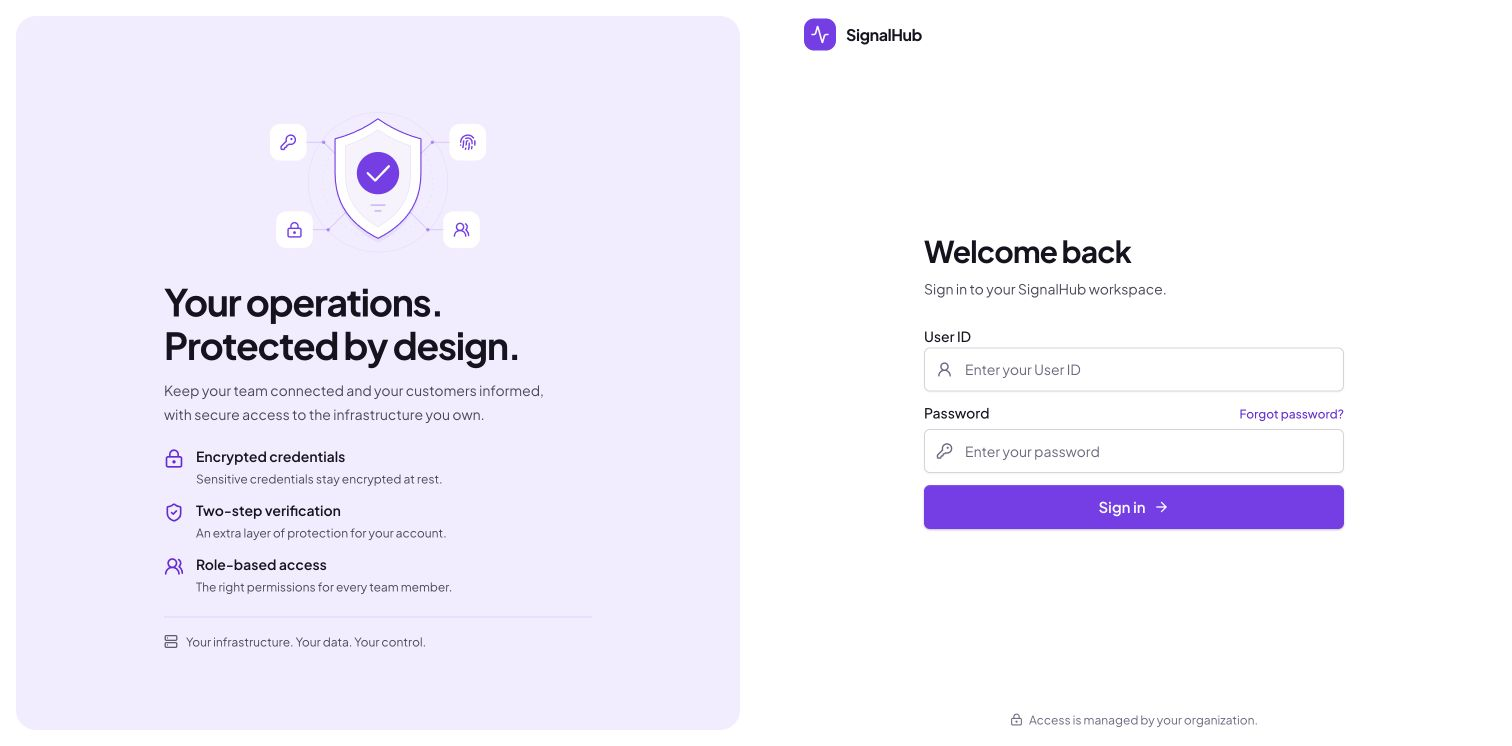
Open https://status.example.com/login, sign in as admin with STATUS_BOOTSTRAP_PASSWORD, and change the password.
After sign-in, open Platform administration → Configuration → Runtime to check database, migration, and worker health.